
Raspberry Pi Taplist SoftwareThe Cloud-Based Successor to the Original Raspberry Pints
Thousands of homebrewers and taprooms ran the original open-source Raspberry Pints project on a Raspberry Pi. RaspberryPints keeps everything you loved about a Pi-powered beer menu and removes the painful parts: no database setup, no config files, no flow-meter wiring required. Your Pi just opens a browser.
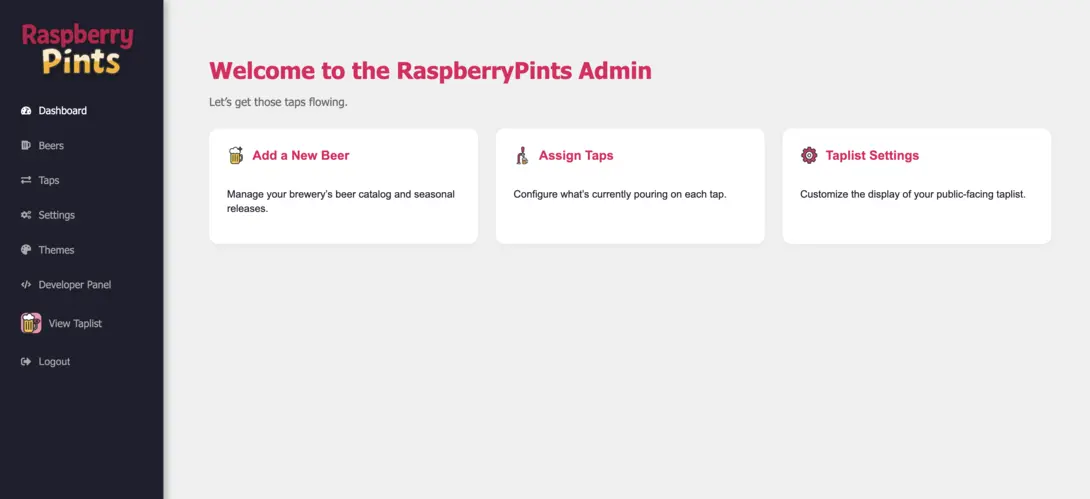
What the DIY Raspberry Pi Beer Menu Used to Require
LAMP Stack on a Pi
Installing Apache, PHP, and MySQL on the Pi, then keeping the whole stack patched and backed up yourself.
Editing Config Files
Every change to your taps meant SSH sessions, SQL inserts, or hand-editing files on the device under the kegerator.
Flow-Meter Wiring
Soldering and wiring flow meters to GPIO pins just to track pours, with debugging when a sensor drifted.
One SD Card From Disaster
A corrupted SD card took your whole taplist, history, and custom theming with it.
Everything the DIY Taplist Did, Without the Maintenance
Your Pi Becomes a Pure Display Device
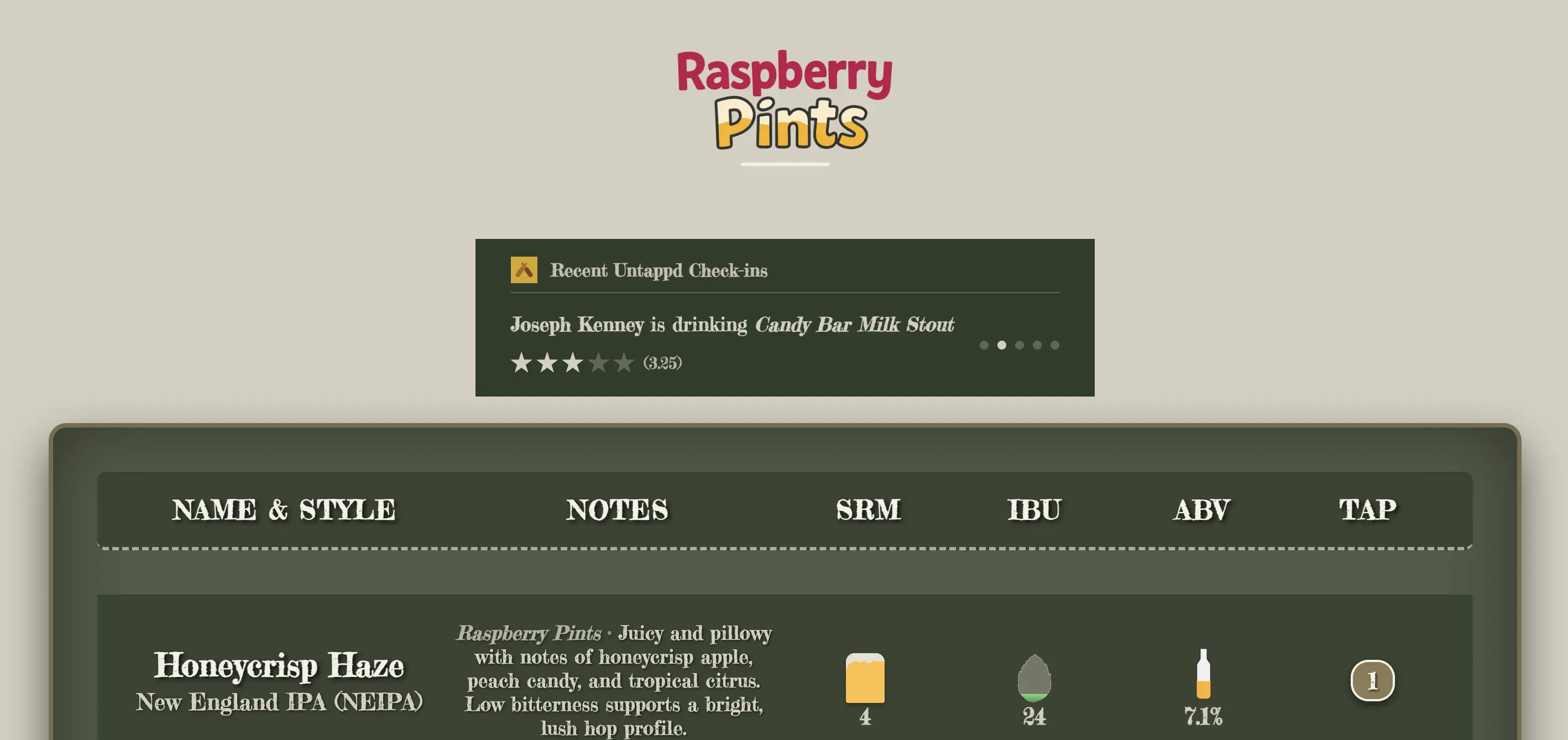
The taplist lives in the cloud, so the Raspberry Pi only has one job: show a browser in kiosk mode. Any Pi that can run Chromium works, and if it ever dies, you swap hardware in minutes because there is nothing to restore.
- Works in any browser, on a Pi or any other device
- Fire TV app on the Amazon Appstore as an alternative
- No database, web server, or local storage to maintain
- Display survives SD card failures, your data is in the cloud
Update From Your Phone, Not an SSH Session
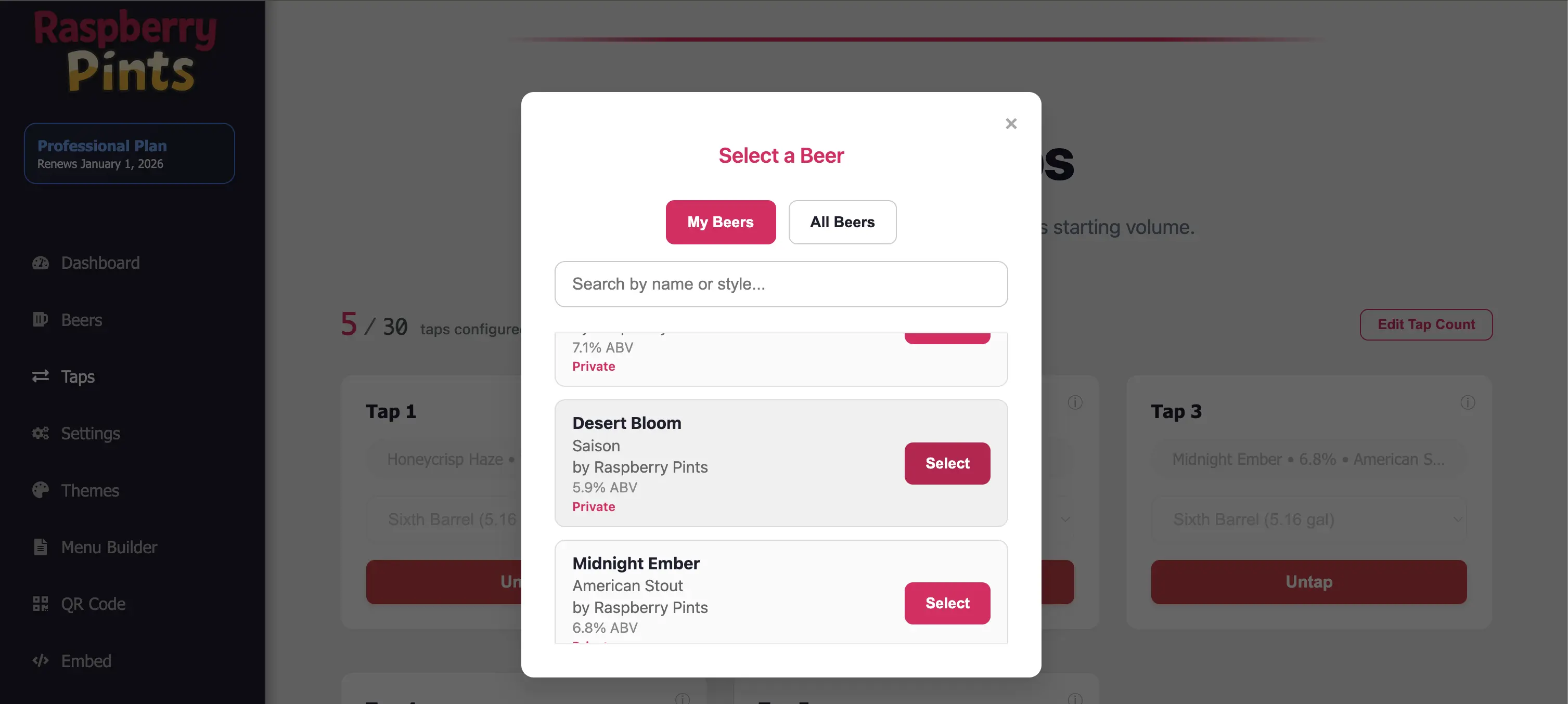
Kicked a keg? Change it from your phone and the Pi-connected TV updates in real time. Design your screen with the drag-and-drop layout editor instead of editing CSS on the device.
- Manage taps from any phone, tablet, or computer
- Drag-and-drop layout editor for full visual control
- Printable PDF menus and QR menus from the same data
- Website embed so your online taplist stays current
Keg Tracking Without the Soldering Iron
The Professional plan includes keg tracking, so you can follow what is on tap, on deck, and kicked without wiring a single flow meter to GPIO pins. A partner API is available if you want to build your own integrations, in true Pi-tinkerer spirit.
- Keg tracking included on Professional ($19.99/mo)
- Partner API for custom projects and integrations
- Free tier covers up to 3 taps for home kegerators
- Basic plan: $3.99/mo for up to 8 taps
Run It on Your Pi in 3 Steps
Flash Raspberry Pi OS
Use the Raspberry Pi Imager to flash standard Raspberry Pi OS to an SD card. No special image or packages needed.
Open Chromium in Kiosk Mode
Point Chromium at your taplist URL with the kiosk flag so it boots full screen, no desktop visible.
Done
Connect the Pi to your TV and manage everything from your phone. The screen updates itself from the cloud.
Want the full walkthrough, including auto-start on boot? Read our guide to setting up a Raspberry Pi brewery display. No Pi handy? Use any TV browser or grab the Fire TV app instead.
When DIY Open Source Is Still the Right Call
We will be honest: the original open-source approach still makes sense for some people. If you enjoy the tinkering as much as the beer, want zero recurring cost, or need full control over every line of code and every piece of hardware, a self-hosted Pi taplist is a great hobby project.
Choose the DIY route if you are comfortable maintaining a Linux box, your taplist rarely changes, and downtime is just a shrug. Choose RaspberryPints if you would rather spend that time brewing or pouring: setup takes about 15 minutes, the free tier covers up to 3 taps, and your taplist keeps working even when an SD card does not. Many people start DIY and switch when the novelty of database maintenance wears off. Your Pi comes along either way.
Curious what the modern feature set looks like? See the full digital taplist overview, explore digital menu boards for non-beer screens, or try our free brewing tools.
Raspberry Pi Taplist Questions
Can I run RaspberryPints on a Raspberry Pi?
Yes. A Raspberry Pi makes a great display device. Flash Raspberry Pi OS, open Chromium in kiosk mode pointed at your taplist URL, and connect it to any TV. The taplist itself runs in the cloud, so the Pi only needs a browser.
How is this different from the original open-source Raspberry Pints project?
The original Raspberry Pints project required installing a web server and MySQL database on the Pi, editing config files, and optionally wiring flow meters. RaspberryPints is the modern cloud-based successor: you manage your taplist from any device, displays update in real time, and there is nothing to install or maintain on the Pi beyond a browser.
Do I need a Raspberry Pi at all to use RaspberryPints?
No. Any device with a web browser works, including smart TVs, tablets, and old laptops. There is also a Fire TV app on the Amazon Appstore. A Pi is simply a cheap, reliable option if you already own one.
Is there a free plan for homebrewers?
Yes. The free tier covers up to 3 taps, which fits most home kegerators. Basic is $3.99 per month for up to 8 taps, and Professional is $19.99 per month for up to 100 taps with keg tracking. You can cancel anytime.
Give Your Pi the Easy Job
Free for up to 3 taps. Basic is $3.99/mo for up to 8 taps, and Professional is $19.99/mo for up to 100 taps with keg tracking.