
Neon Diner · Neon Tubes
Glowing magenta and cyan tubes, one big line per beer with the price up front, under a neon marquee.
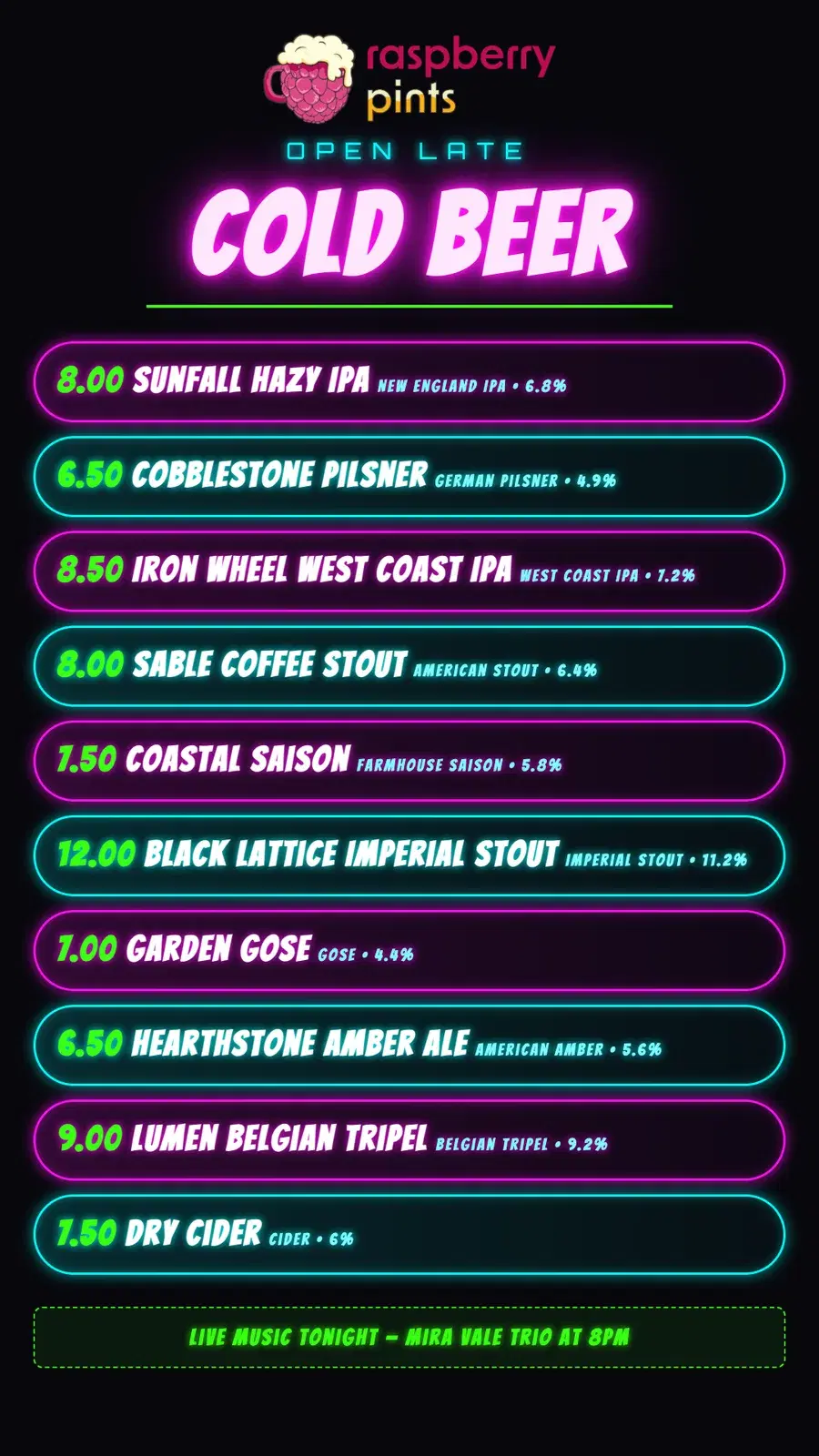
Live preview
This is the template running in our sandbox with sample beers, the way it shows on a TV mounted in portrait (1080x1920), scaled to fit any size up to 4K.
- Screen
- TV vertical
- Fonts
- Bangers, Orbitron
- Colours
- Background #07070c, accent #ff10f0, text #ffffff
- Starts with
- 10 taps, brewery messages
Make it yours
Neon Diner · Neon Tubes is just a starting point. Open it in the Display Editor and change anything you like: nothing about it is fixed.
- Colours and fontsFor the whole layout, or any single piece of text, like one beer’s name or its price.
- Every itemAdd, remove and move taps, food, drinks, headings, messages and Untappd check-ins, and choose what each tap shows.
- Layout and pagesColumns, spacing, borders, gradients and backgrounds, plus more pages that rotate.
- Your brandYour logo, background images and your own assets.
- Custom CSSDraw decoration or restyle any item beyond what the style panel offers.
Or build your own from scratch
Skip templates entirely. Begin with a blank canvas and drag in whatever you need from the component library, then style every piece:
- Taps
- Drinks
- Food
- Headings
- Text
- Images
- Brewery messages
- Untappd check-ins
- Sections
- Groups
- Columns
- Multi-column layouts
- Dividers
- Spacers
- Custom CSS
The TV and responsive templates and the drag-and-drop Display Editor are included with the Basic and Professional plans.
Or describe your own
Included with Professional: describe the look you want in your own words and our automated layout designer drafts it in your Display Editor. You get 5 drafts a month, and each one opens unsaved, ready for you to adjust like any template.
See ProfessionalSimilar templates
All templates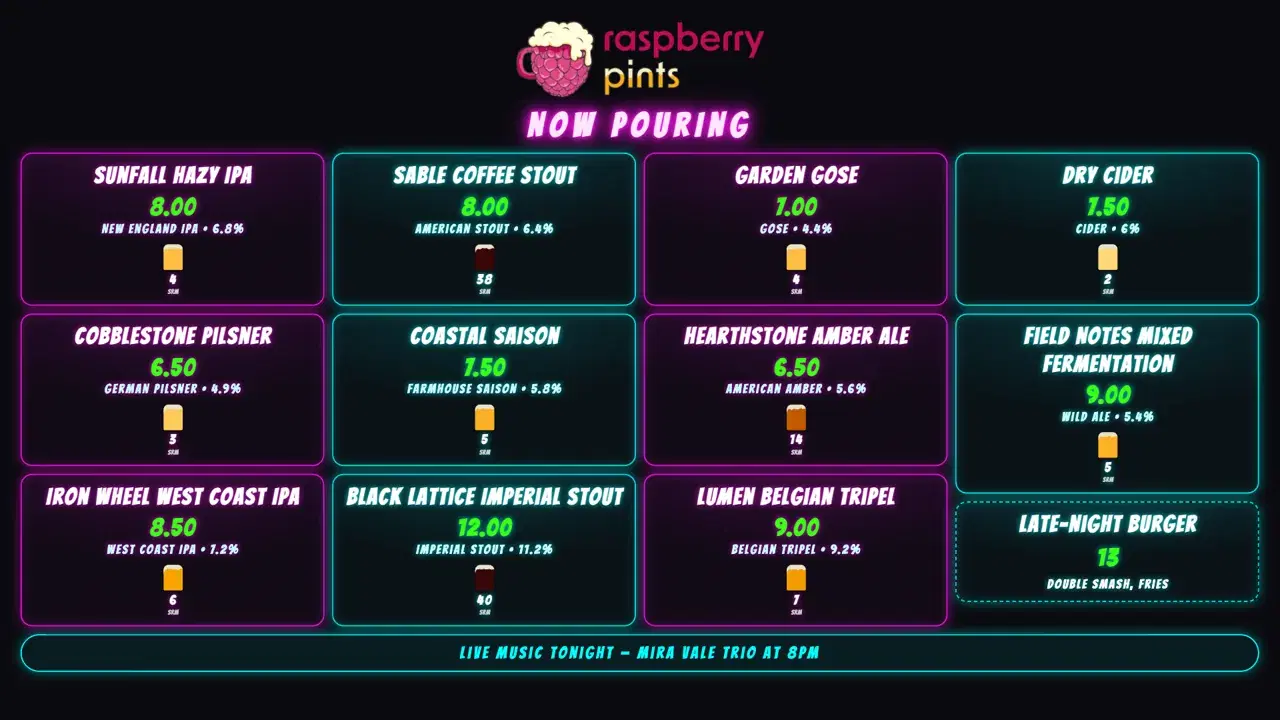 TV horizontal
Neon Diner · Jukebox Wall
Bangers, 11 taps, food menuView template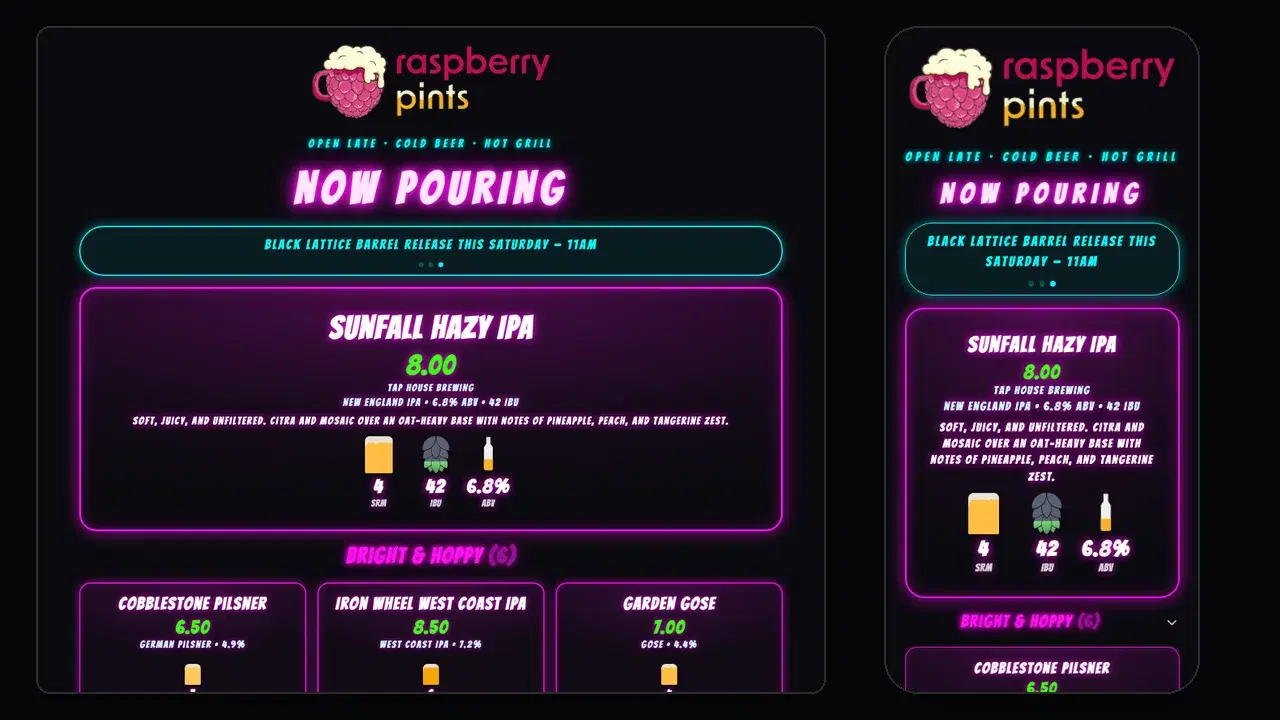 Responsive
Neon Diner · Jukebox Wall
Bangers, 10 taps, food menuView template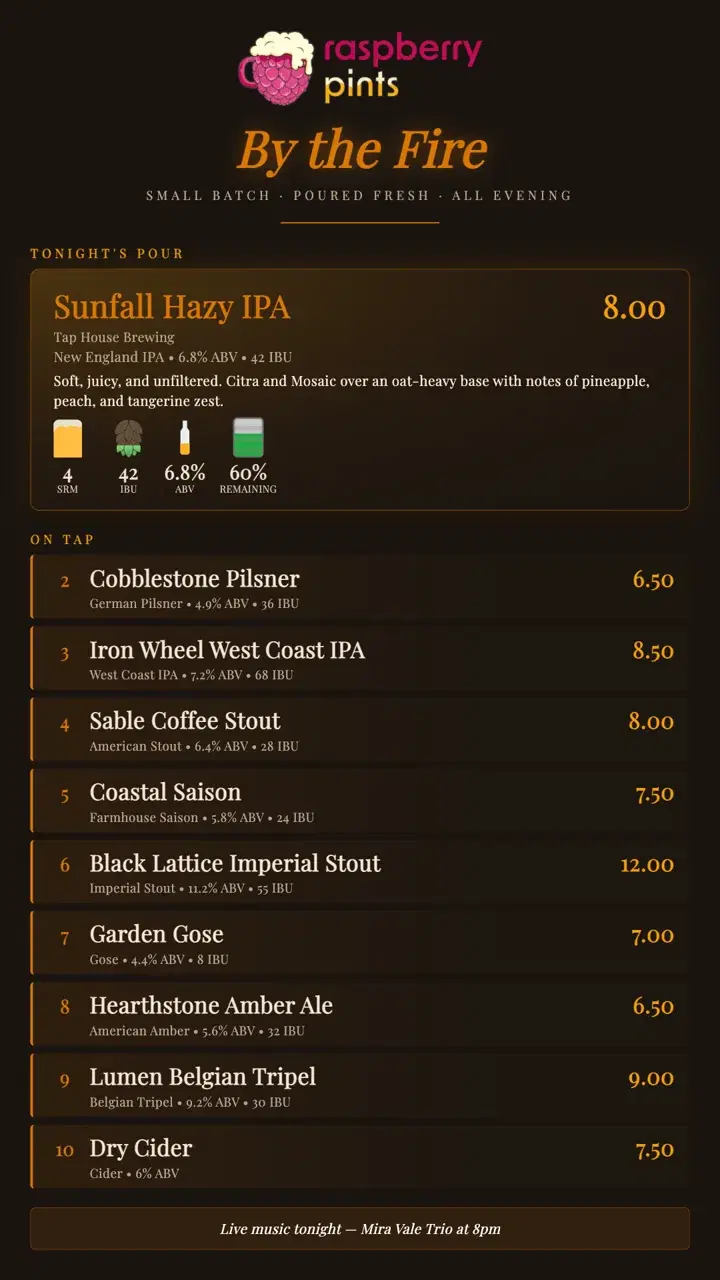 TV vertical
Hearth · Fireside Menu
Playfair Display, 10 tapsView template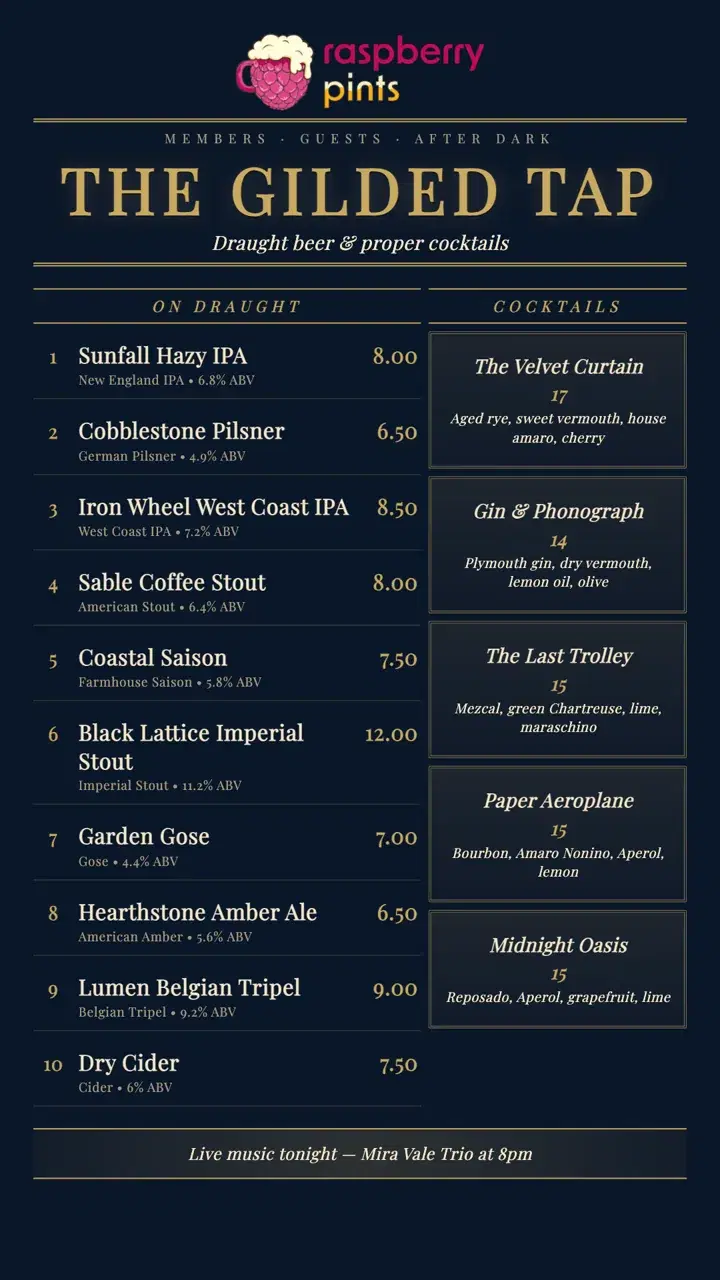 TV vertical
Speakeasy · Deco Bill of Fare
Playfair Display, 10 taps, drinks listView template
Start with this template
Choose a plan, pick Neon Diner · Neon Tubes in the Display Editor and make it your own. Your taps fill it in, and every change shows on every screen.