
Tap Wall · Label Board
A dark check-in board where label art leads every row: a just-tapped spotlight, two categories side by side, cans to go and live Untappd check-ins.
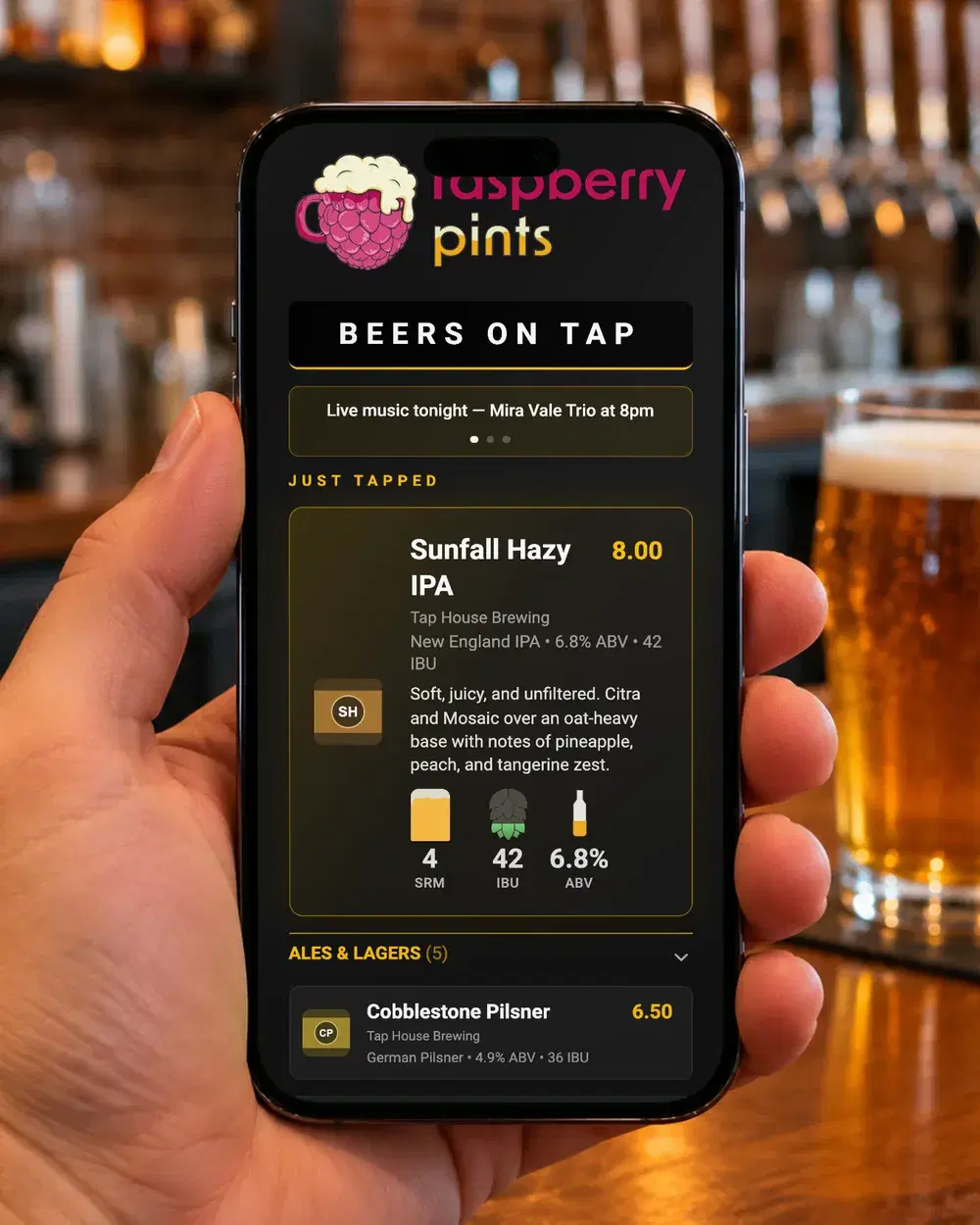
Live preview
This is the template running in our sandbox with sample beers, the way it shows on your main taplist on phones, tablets and computers, stacking its columns on phones.
- Screen
- Responsive
- Font
- Roboto
- Colours
- Background #121212, accent #ffc000, text #e5e5e5
- Starts with
- 11 taps, drinks list, collapsible categories, Untappd check-ins, brewery messages, multi-column layout
Make it yours
Tap Wall · Label Board is just a starting point. Open it in the Display Editor and change anything you like: nothing about it is fixed.
- Colours and fontsFor the whole layout, or any single piece of text, like one beer’s name or its price.
- Every itemAdd, remove and move taps, food, drinks, headings, messages and Untappd check-ins, and choose what each tap shows.
- Layout and pagesColumns, spacing, borders, gradients and backgrounds, plus more pages that rotate.
- Your brandYour logo, background images and your own assets.
- Custom CSSDraw decoration or restyle any item beyond what the style panel offers.
Or build your own from scratch
Skip templates entirely. Begin with a blank canvas and drag in whatever you need from the component library, then style every piece:
- Taps
- Drinks
- Food
- Headings
- Text
- Images
- Brewery messages
- Untappd check-ins
- Sections
- Groups
- Columns
- Multi-column layouts
- Dividers
- Spacers
- Custom CSS
The TV and responsive templates and the drag-and-drop Display Editor are included with the Basic and Professional plans.
Or describe your own
Included with Professional: describe the look you want in your own words and our automated layout designer drafts it in your Display Editor. You get 5 drafts a month, and each one opens unsaved, ready for you to adjust like any template.
See ProfessionalSimilar templates
All templates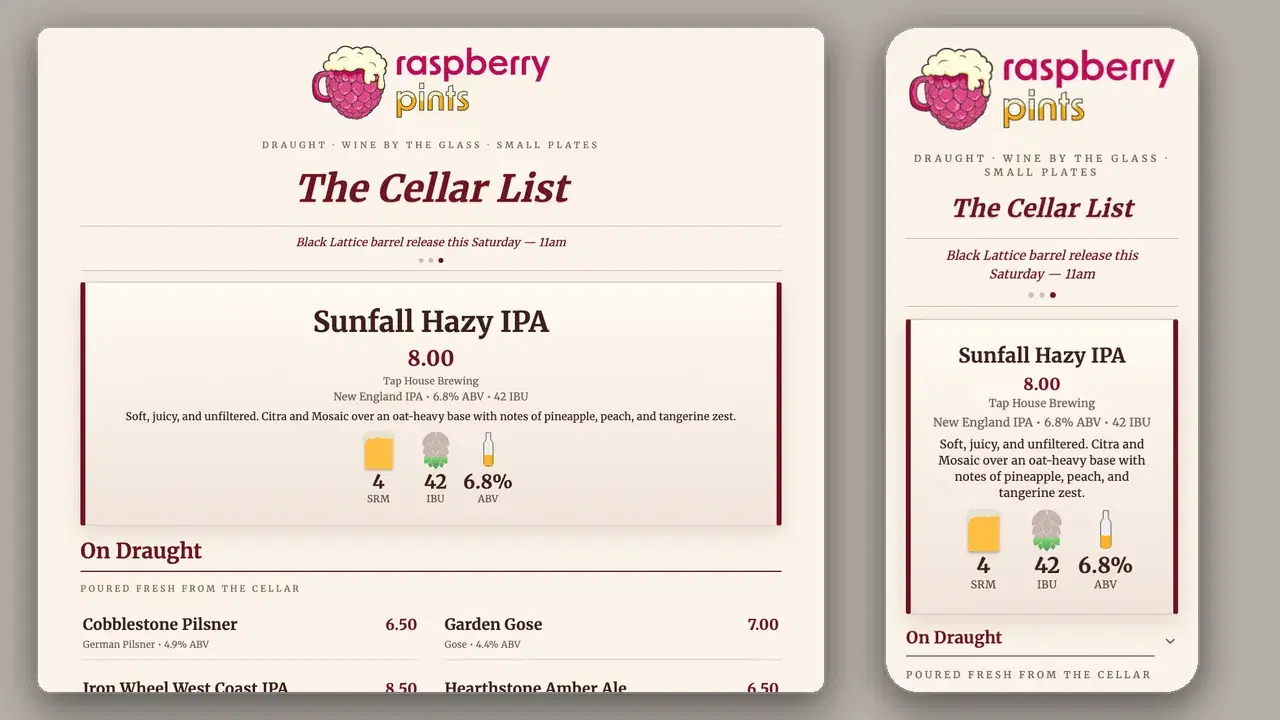 Responsive
Cellar Door · Wine List
Merriweather, 11 taps, food menu, drinks listView template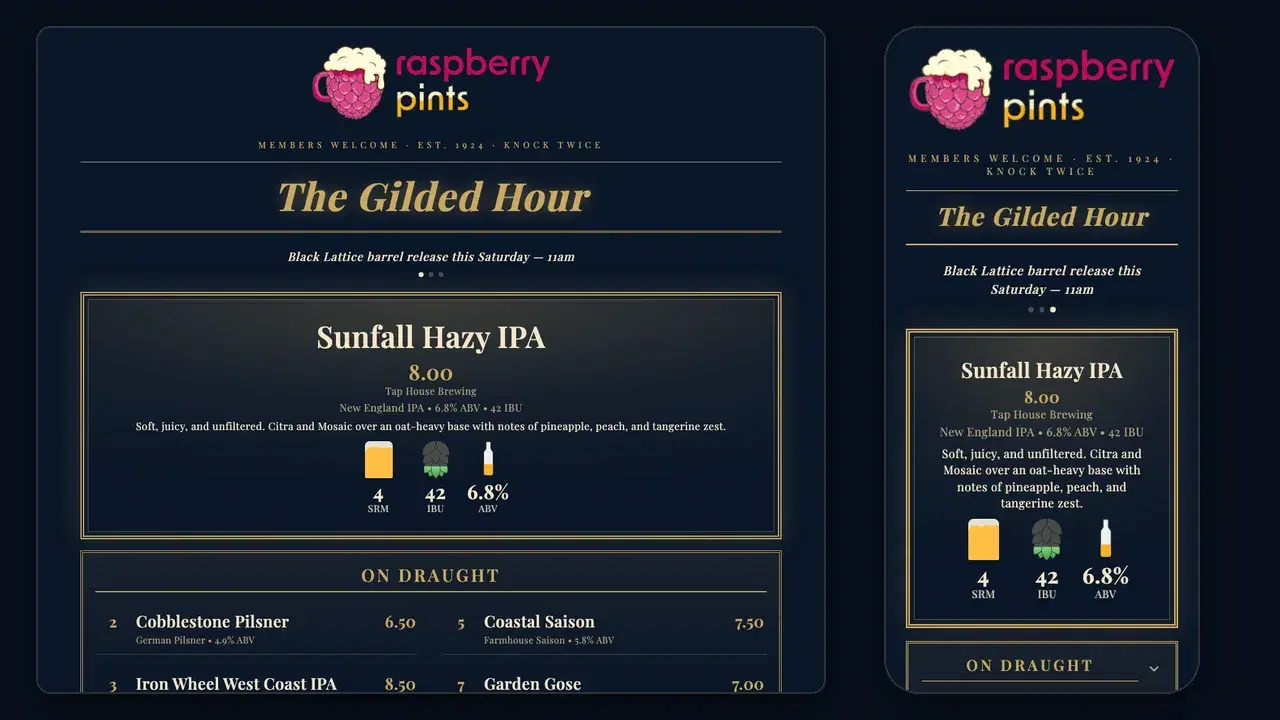 Responsive
Speakeasy · Gilded Bar
Playfair Display, 11 taps, drinks listView template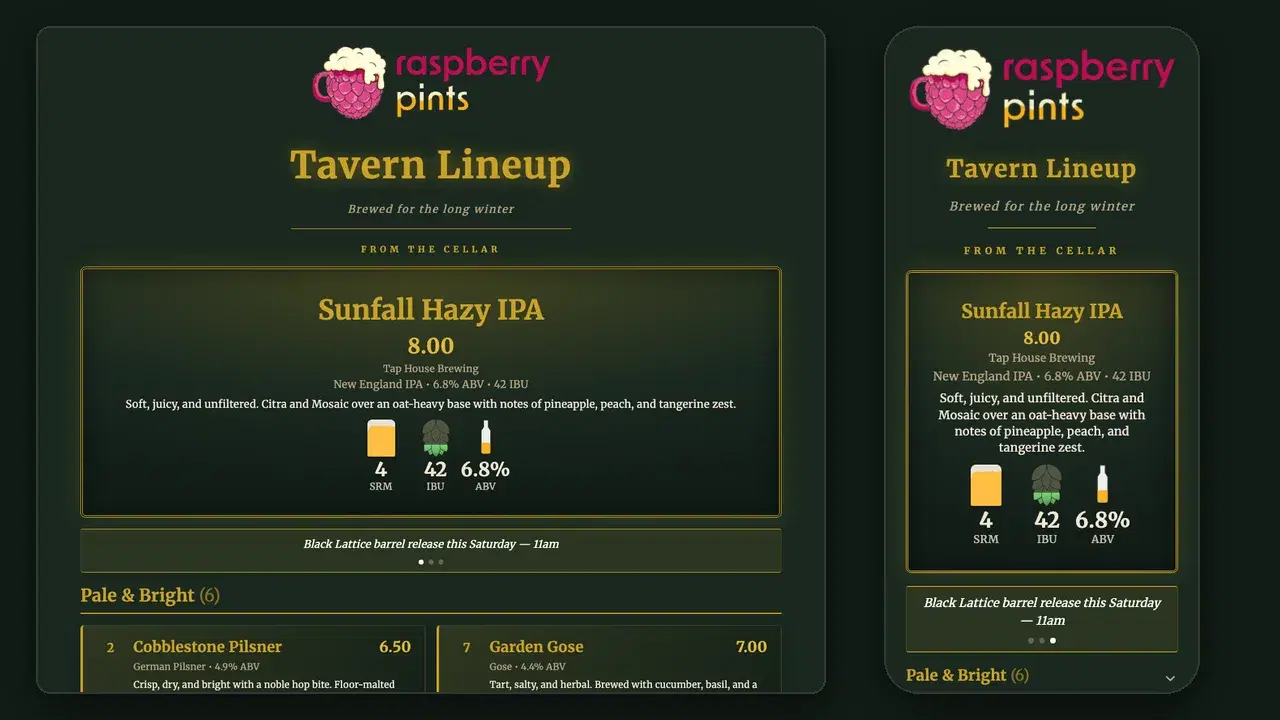 Responsive
Forest Tavern · Lodge Board
Merriweather, 11 taps, food menu, drinks listView template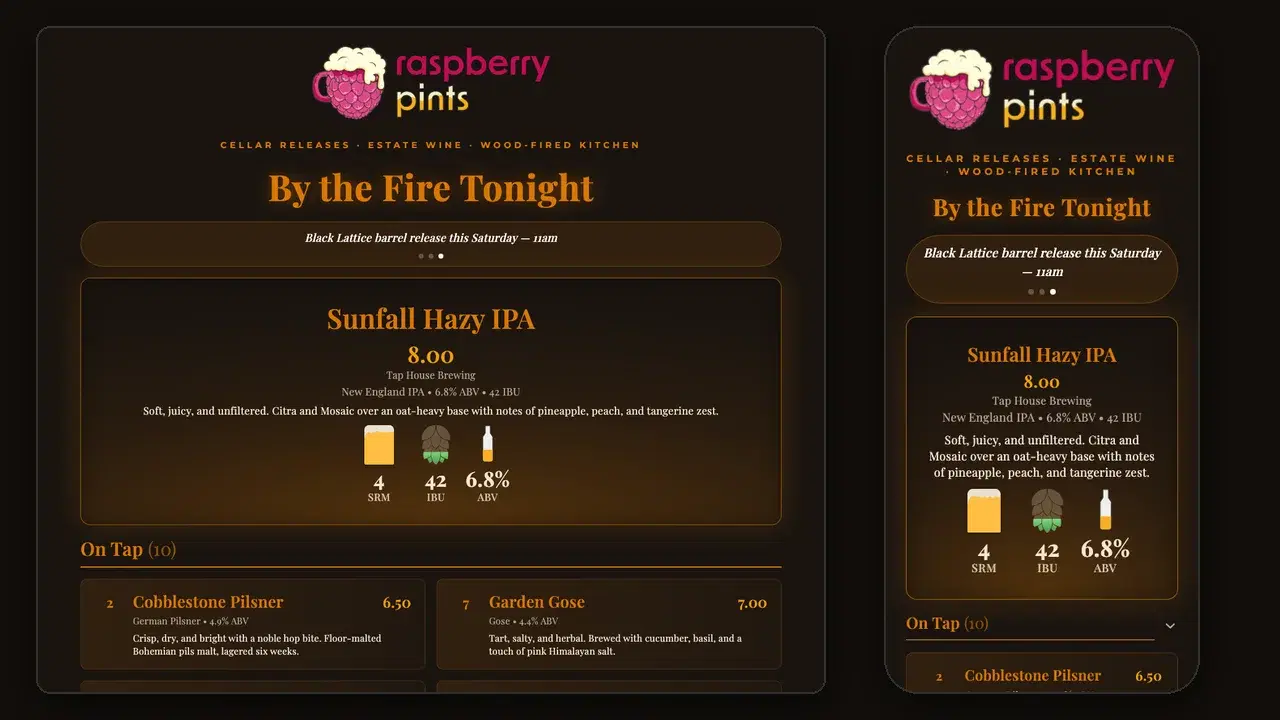 Responsive
Hearth · Fireside Menu
Playfair Display and Montserrat, 11 taps, food menuView template
Start with this template
Choose a plan, pick Tap Wall · Label Board in the Display Editor and make it your own. Your taps fill it in, and every change shows on every screen.