
Share your taplist with customers
Once your taplist is public, get it in front of guests: share your link, print a QR code for tables, link single beers, and add your taplist to your website.
Your taplist has its own web address that works on any phone, tablet or computer. Here are the ways to get guests to it, from a link in your social bio to a QR code on every table.
First, make it public
New taplists start private, so customers who open the link see This Taplist is Private. Click Make public on the Your taplist is private banner in your admin, or tick Enable public taplist in Settings and click Save Settings. See Make your taplist public.
Then open your link in a private or incognito window to see exactly what guests see.
Ways to share it
Share your link
Your link is
https://yourbrewery.taplists.raspberrypints.com, with your subdomain at the start. Click View Taplist in the admin sidebar to open it and copy the address. Put it in your social bios, your Google Business profile, your email signature and your newsletters. It always shows what's on tap now.Print a QR code for tables and posters
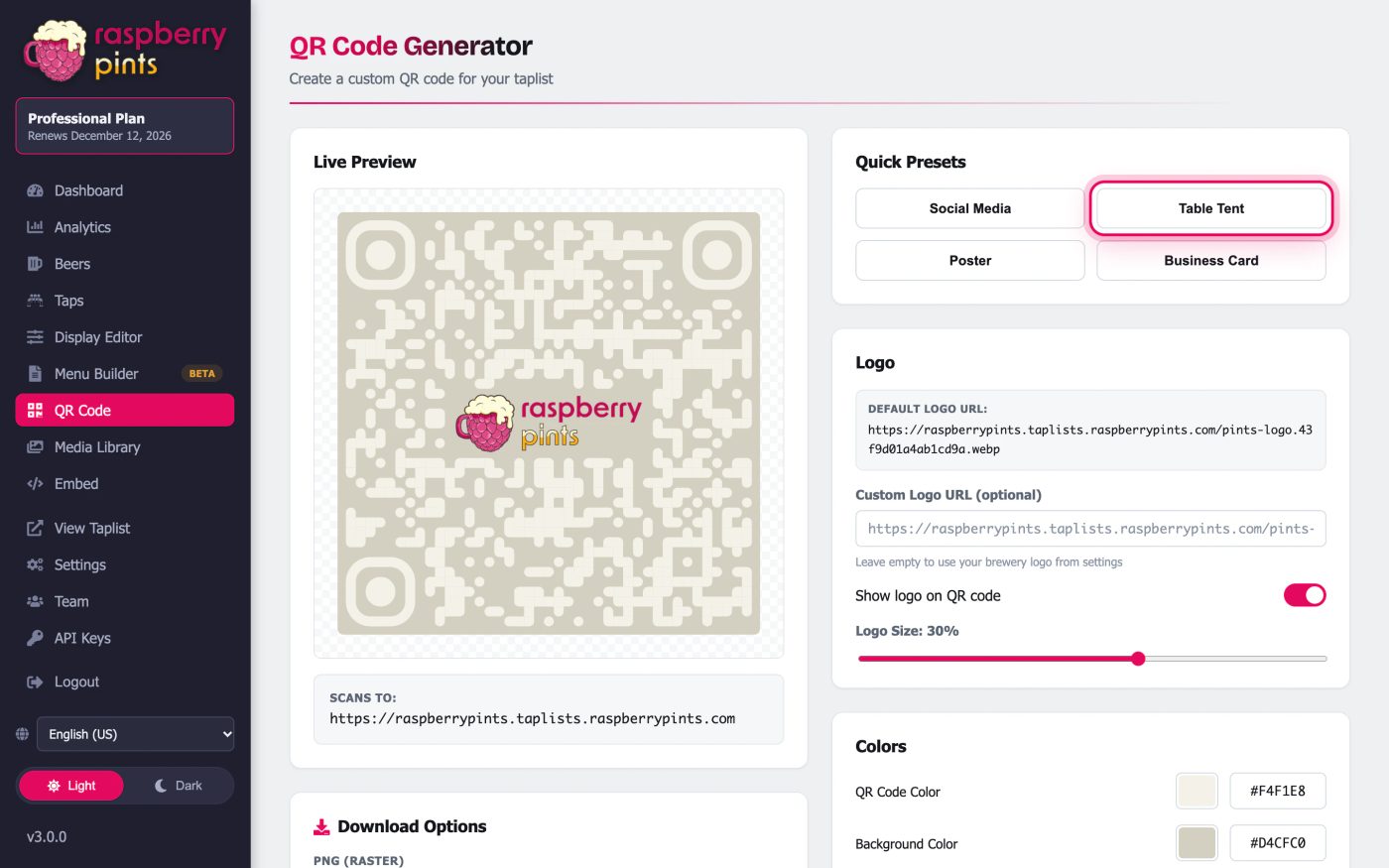
Open QR Code in the sidebar, pick a preset such as Table Tent or Poster, add your logo, and download it. Guests scan it with their phone camera to open your taplist. See QR codes for your taplist.
Add it to your website
On the Basic and Professional plans, open Embed in the sidebar, choose a list or grid and your colors, and click Copy Code. Paste it into your website. See Embed your taplist on your website.
Link to one beer
On the Professional plan, every beer can have its own page and QR code, for a can label, a social post or a table tent about one beer. See Beer pages and beer QR codes.
On the phone
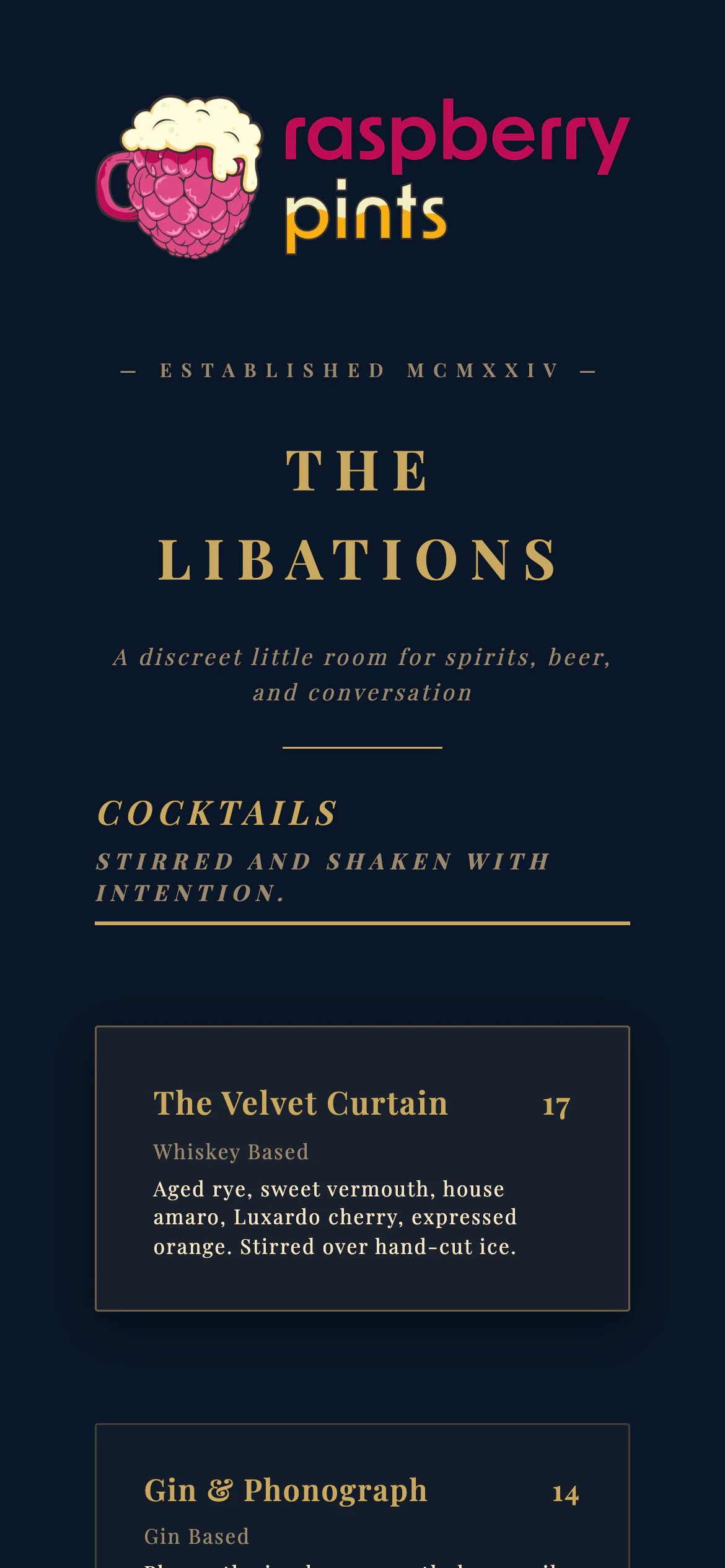
Guests open your taplist in their phone's browser. There's no app to install. On the Basic and Professional plans, you can give phones their own layout in the Display Editor. See TV and responsive layouts.
Things to know
- The link and QR code never go stale. They open your live taplist, so you don't reprint them when your beers change.
- They contain your subdomain. If you change it, update your links and print new QR codes. See Change your subdomain.
- Want your own domain? See Using a custom domain.
- Put it on your TVs too. See Put your taplist on a TV.
Was this article helpful?