
An import didn't work
Fix CSV, Brewer's Friend and Brewfather imports that find no beers, refuse your key, skip beers or bring numbers in as 0, using the message the import shows.
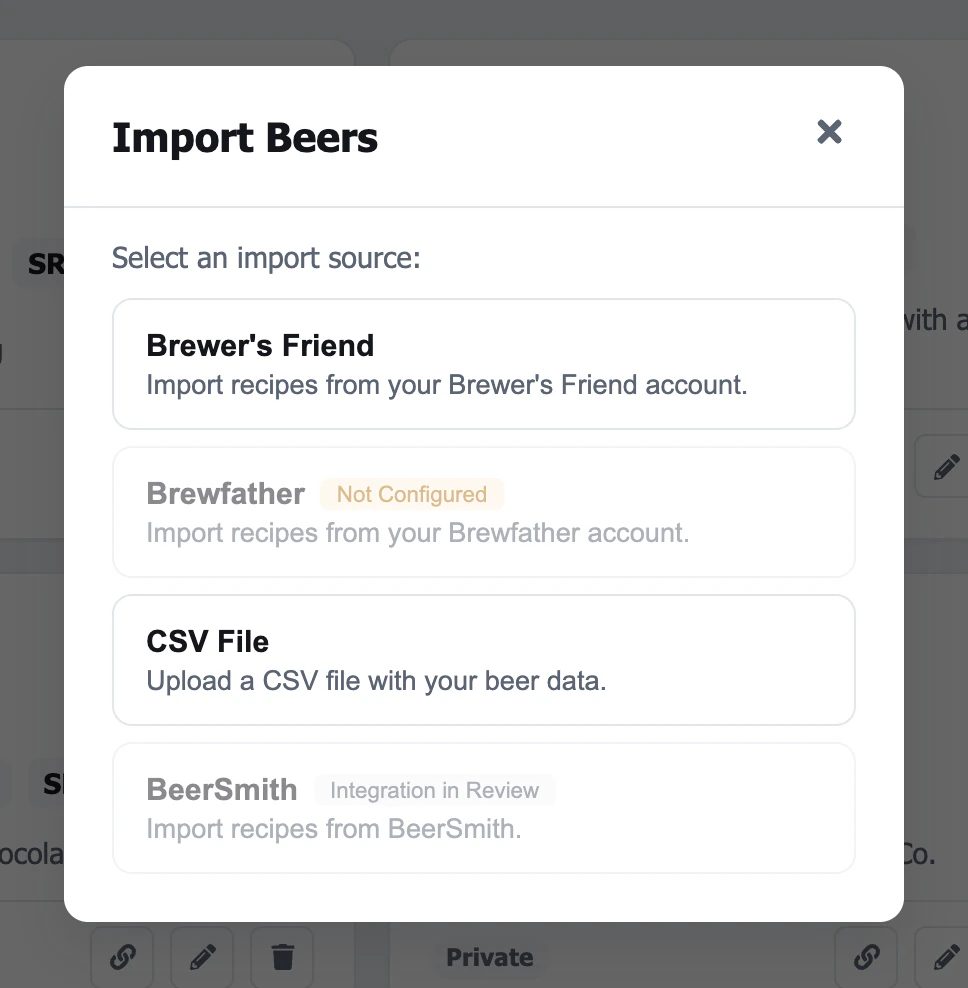
Imports start from Beers > Import. Find the message you saw, or the problem you have, below.
CSV import is on every plan. Brewer's Friend and Brewfather imports are included with the Basic and Professional plans.
CSV files
| Message or problem | What to do |
|---|---|
| No beers found in CSV. Make sure the file has a header row with at least a "name" column. | The first row must hold column names, and one must be name (or title, beer name, beer_name). Save the file as .csv, separated by commas, not as .xlsx. |
| Numbers came in as 0 | Write ABV, IBU and SRM as plain numbers, such as 6.5 rather than 6.5%. |
| Values landed in the wrong columns | Put double quotes around any value that contains a comma. |
| Some beers are missing | Rows without a name are left out. Beers whose names are already in your catalog are skipped. |
| Failed to import beers. Please try again. | Try again. If it keeps happening, check the file opens in a spreadsheet, then email support@raspberrypints.com with the file. |
The column names, a sample file and formatting tips are in Import beers from a CSV file.
Brewer's Friend
| Message or problem | What to do |
|---|---|
| Brewer's Friend shows Not Configured in the import list | Save your API key in Settings > Integrations > Brewer's Friend first. |
| No API key configured. Add your Brewer's Friend API key in Settings > Integrations. | Same: save the key first, or ask a Manager or the Owner to. |
| Invalid API key. Please check your key in Settings > Integrations. | Brewer's Friend didn't accept the key. Remove it, copy it again from Brewer's Friend, and save it. |
| No recipes found in your Brewer's Friend account. | The account has no saved recipes for that key. |
See Import from Brewer's Friend.
Brewfather
| Message or problem | What to do |
|---|---|
| Brewfather shows Not Configured in the import list | Save your User ID and API key in Settings > Integrations > Brewfather first. |
| No credentials configured. Add your Brewfather User ID and API Key in Settings > Integrations. | Same: save both first, or ask a Manager or the Owner to. |
| Invalid credentials. Please check your User ID and API Key in Settings > Integrations. | Check both values. Or generate a new key in Brewfather, with read access for Recipes, and save it again. |
| No recipes found in your Brewfather account. | The account has no saved recipes, or the key can't read Recipes. |
Any source
| Message or problem | What to do |
|---|---|
| Beer import requires a Basic or Professional plan. | Your plan doesn't include recipe imports. CSV import still works on every plan. |
| A beer shows Already exists and can't be ticked | A beer with the same name, ignoring capitals, is already in your catalog. Edit that one, or rename one of them. |
| Imported beers aren't on my taplist | Imports add beers to your catalog. Put them on a tap on the Taps page to show them. |
| Settings or Integrations is missing | Settings is for Managers and the Owner. Staff can import CSV files but can't connect Brewer's Friend or Brewfather. |
Was this article helpful?