
Your link, QR code or embed shows an error
What each message means when customers open your taplist, scan your QR code or view your embed, such as "This Taplist is Private" or "Taplist Not Registered".
When a customer opens your taplist link, scans your QR code or sees your embed and gets a message instead of your beers, the message tells you what's wrong. Find it below.
On your taplist link and QR code
| Message | What it means | What to do |
|---|---|---|
| This Taplist is Private | Your taplist isn't public yet. New taplists start private. | Make it public. See below. |
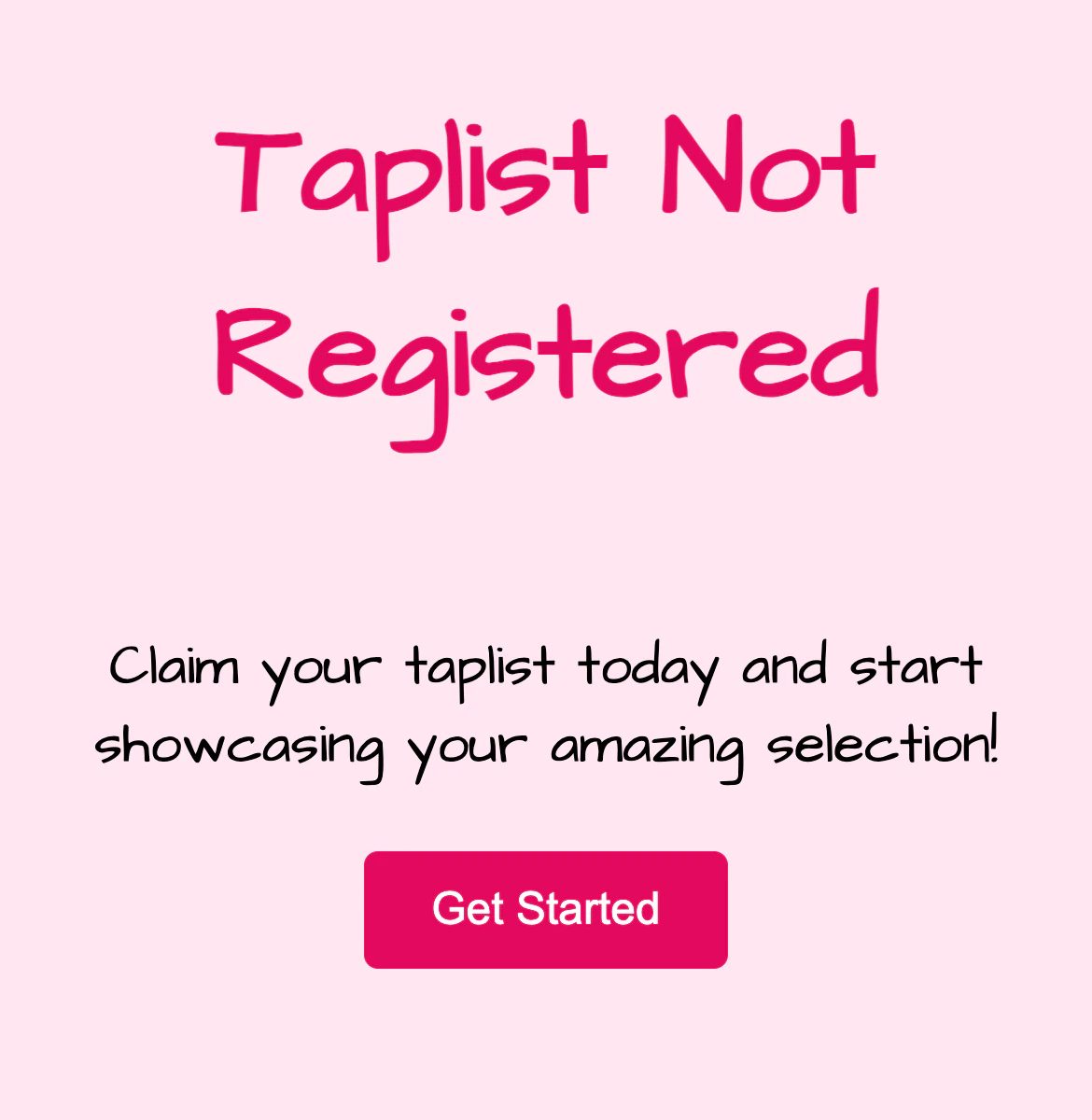
| Taplist Not Registered | No brewery uses this address. The subdomain is mistyped, or it was changed. | Check the address. If you changed your subdomain, use the new address and make a new QR code. |
| No Taplist Yet | The subdomain belongs to a brewery, but the brewery has no taplist. | Email support@raspberrypints.com with your subdomain. |
| Custom Layout Not Configured | Display Type is Custom Layout, but there's no layout for your main taplist. | In the Display Editor, choose a layout for Main taplist on the Screens card. |
| Nothing's pouring yet | None of your taps has a beer on it. | Put a beer on a tap on the Taps page. |
For layouts, see The TV shows the wrong layout. For empty taps, see Put beers on tap.
Make your taplist public
Open Settings
You need to be a Manager or the Owner.
Tick Enable public taplist
It's on the Display tab, under Basic Info.
Click Save Settings
Customers who open your link now see your beers. Check it in a private window.
Or click Make public on the Your taplist is private banner on the Dashboard, the Taps page, the QR Code page or the Embed page. See Make your taplist public.
On a beer page
| Message | What it means | What to do |
|---|---|---|
| Beer not found | The beer was deleted, the link is out of date, or the beer's page isn't available on your plan. | Check the beer still exists. Beer pages are included with the Professional plan. |
| Something went wrong | The page couldn't load, often because of the connection. | Reload the page. |
See Beer pages and beer QR codes.
On your website embed
The embed shows its message in place of your taps:
| Message | What it means | What to do |
|---|---|---|
| This taplist is not publicly accessible. | Your taplist is private. | Make it public (above). |
| Embed feature requires a paid subscription. Upgrade at raspberrypints.com/pricing | The brewery isn't on an active Basic or Professional plan. | Renew or upgrade. |
| Brewery not found | The subdomain in the embed code doesn't match a brewery. | Copy the code again from the Embed page. If you changed your subdomain, replace the old code. |
| Missing subdomain or Invalid subdomain | The embed code was changed or pasted incompletely. | Copy the whole code again from the Embed page and paste it unchanged. |
| Failed to load taplist | The embed couldn't reach RaspberryPints. | Reload the page and check your connection. |
See Embed your taplist on your website and, for plan problems, Your plan isn't active.
After changing your subdomain
Your taplist address, your /tv link, your QR codes and your embed code all contain your subdomain. After you change it:
- Update links on your website and social pages.
- Make and print new QR codes.
- Copy the embed code again from the Embed page.
- On each Fire TV, choose Change Brewery in the app's menu and enter the new subdomain.
Was this article helpful?