
Can't sign in or verify your account
Fix sign-in problems on raspberrypints.com and in your admin: wrong password, a missing or expired code, an unverified account, or Access Denied for a brewery.
You use one RaspberryPints account everywhere: on raspberrypints.com for your account and billing, and in your brewery's admin. A password reset in either place works for both.
Messages and what to do
| Message | Where | What to do |
|---|---|---|
| Incorrect email or password. | Admin | Check the email you signed up with. If you're not sure of the password, reset it (below). |
| No account found with this email. | Admin | That email has no account. Sign up, or ask whoever invited you which email they used. |
| Your account needs to be verified. We've sent a verification code to your email. | Website | Enter the 6-digit code from the email and click Verify Account. |
| The verification code is incorrect. Please check and try again. | Website | Check the code against the newest email and type it again. |
| This code has expired. We've sent a new code to your email. | Website | Use the new code. |
| This account has been disabled. Please contact support. | Admin | Email support@raspberrypints.com. |
| Access Denied: You don't have permission to manage this brewery's taplist. | Admin | You're signed in, but not as a member of this brewery. See below. |
Reset your password
Open the login page
Go to raspberrypints.com/login and click Forgot password?. In your admin, Forgot password? is under the Log In button.
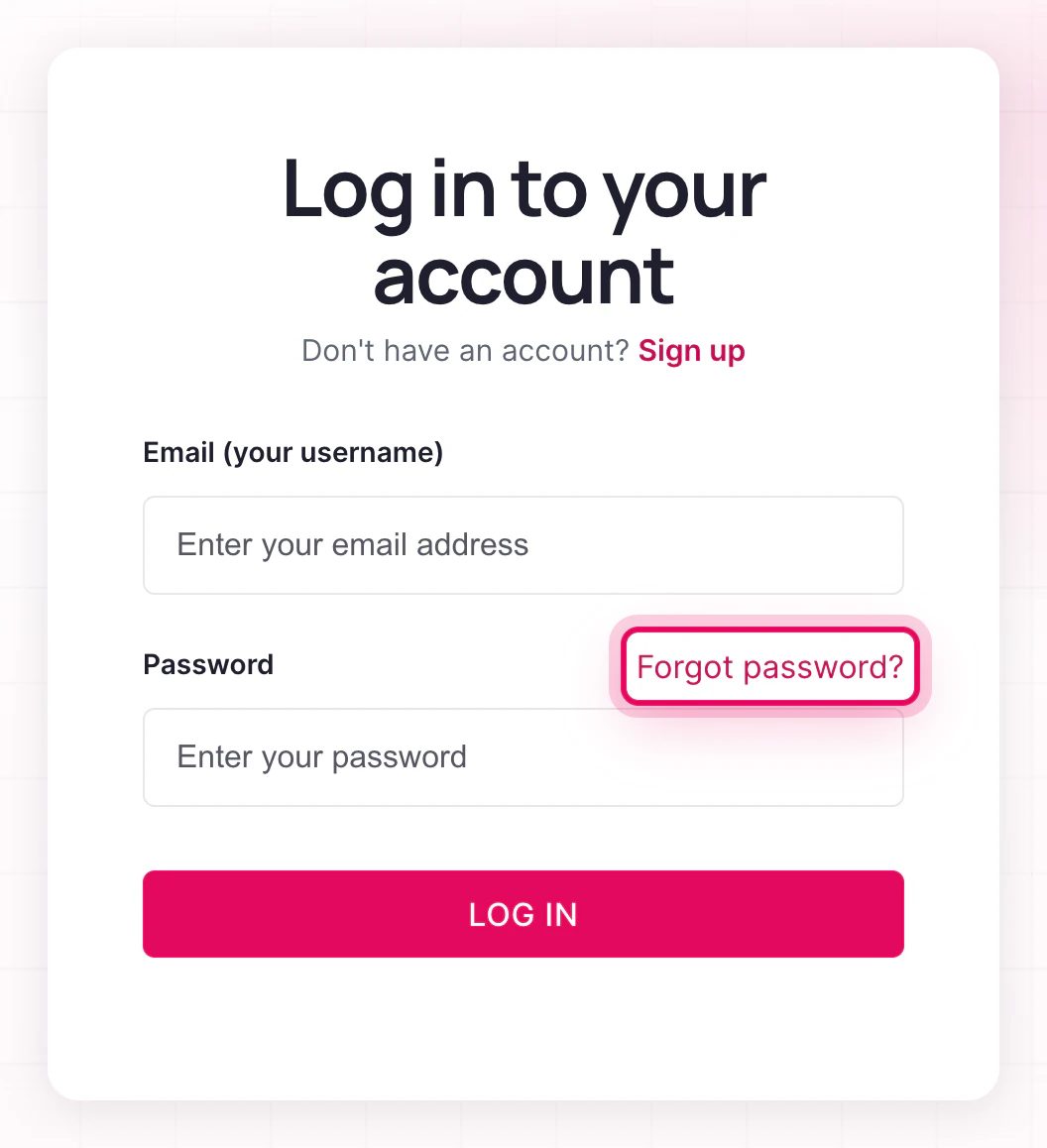
Enter your email and send the code
On the website, enter it under Email (your username) and click Send reset code. In the admin, click Send Code.
Enter the code and a new password
Type the code from the email, then your new password twice. It needs at least 8 characters, with an uppercase letter, a lowercase letter, a number and a special character.
Sign in with the new password
Use it on the website and in your admin.
The code doesn't arrive
- Check your spam or junk folder.
- Check you typed the email address you signed up with.
- Ask for another code: Resend verification code when you're verifying an account, or start the password reset again. Use the newest code you receive.
You never finished verifying
If you closed the page before entering your sign-up code, sign in at raspberrypints.com/login. It sends you a new code and asks for it, then signs you in. After that, your admin sign-in works too.
Access Denied in the admin
The account you're signed in with isn't a member of this brewery:
- Signed in with another account? Click Log Out & Switch Account and sign in with the right one.
- Invited to the team? Accept the invitation first, signed in with the email it was sent to. See Accept an invitation.
- Your own brewery? Open the admin from Taplist Admin next to the brewery on your account page, so you know you're on the right address.
Updated terms
If you see We have updated our terms after signing in, tick the box and click Accept and continue. Each person accepts for their own account.
Still stuck?
Email support@raspberrypints.com with the email address you sign in with. Never send your password.
Was this article helpful?