
Some taps or beers are missing
Customers see fewer taps than you do, or a beer you poured isn't on the taplist. Check your plan's tap limit, which taps have a beer, and your tap order.
If your taplist shows fewer beers than you expect, the cause is usually one of the three below. Signed in, you see more than customers do, so always check from a private or incognito window or your phone.
Your plan's tap limit
Customers see as many taps as your plan includes: 3 taps on Free, 8 taps on Basic and 100 taps on Professional. They're counted from tap 1 up, empty taps included. While you're signed in to your admin, you see all of them, so the taplist can look complete to you and short to customers.
This usually happens when:
- a paid plan lapses or is cancelled, and the brewery drops to the Free plan's limit until it's active again;
- a brewery moves to a smaller plan but keeps its taps.
To fix it, renew or upgrade the plan, or move the beers you want to show onto lower-numbered taps. See Your plan isn't active and Plans compared.
The tap has no beer
Grid and column taplists only show taps with a beer on them. An empty tap leaves no gap. If none of your taps has a beer, customers see Nothing's pouring yet.
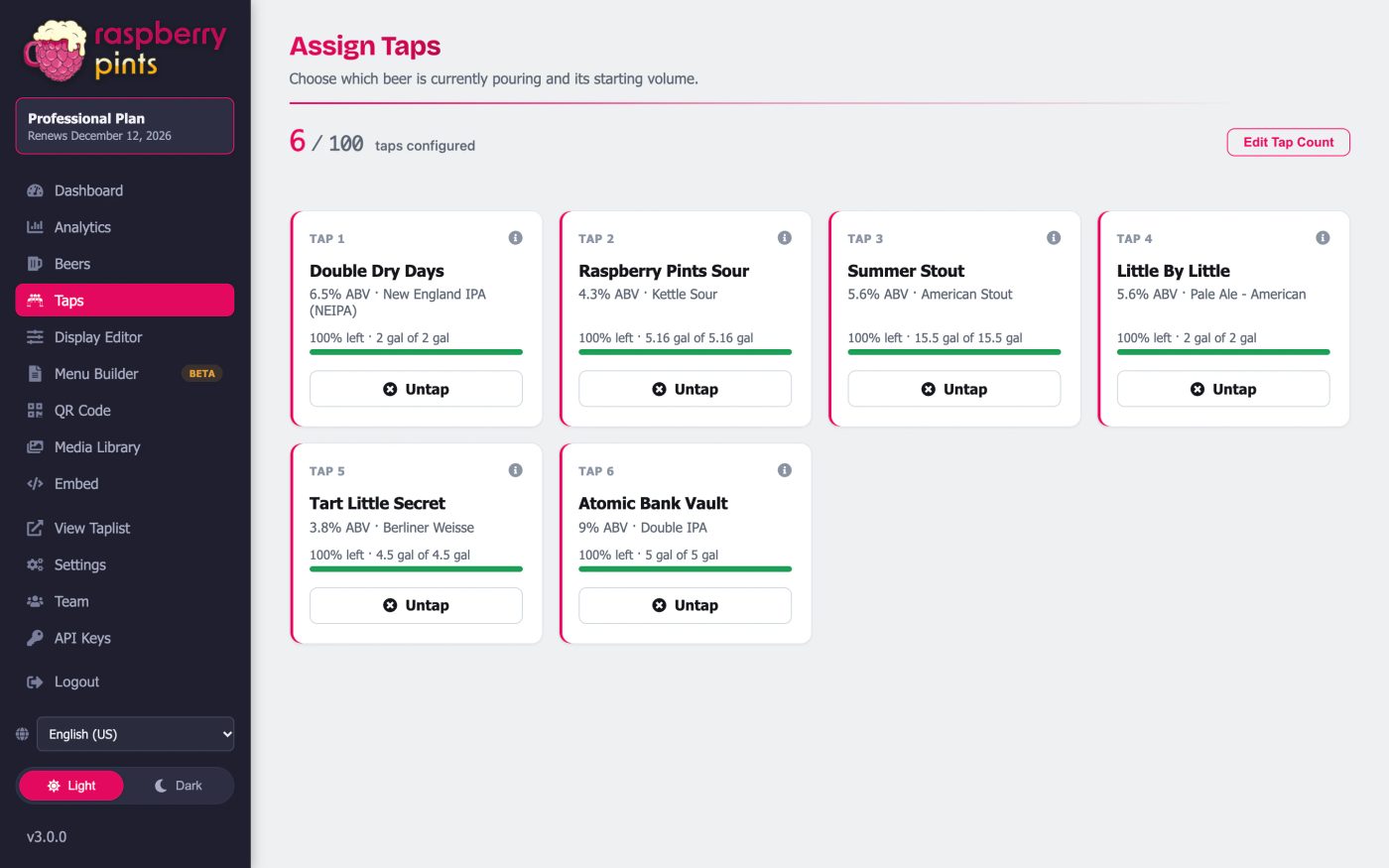
Open Taps and check the tap has the beer, then check its card says it's tapped. See Put beers on tap.
Your custom layout leaves it out
On a custom layout, a beer shows only where the layout has an item for its tap. A layout made for fewer taps, or a tap item pointing at another tap, can leave a beer out. Open the layout in the Display Editor and check each tap item. See Edit a layout.
A kicked keg
When a keg runs out and Mark kegs kicked when they run out is on in Settings > Display, the beer stays on the taplist with a kicked stamp until you untap it. If you'd rather it disappeared, untap it on the Taps page. See Keg levels and kicked kegs.
Still missing?
If you've just made the change, give open screens a minute on the Free and Basic plans. See My taplist isn't updating.
Was this article helpful?