
QR codes and print dates on print menus
Add a QR code that opens your live taplist, a beer's page or any link to a print menu, style it, and print the date so guests know how fresh the menu is.
A printed menu shows the beers on tap when it was printed. Two items help guests with that: a QR code that opens your live taplist, and a Print date that says when the menu was printed. Many templates already have both in their footer.
Add or change a QR code
Drag QR code from Components onto the page
To change one that's already there, click it on the page.
Click Edit properties in its toolbar
The Edit QR code window opens.
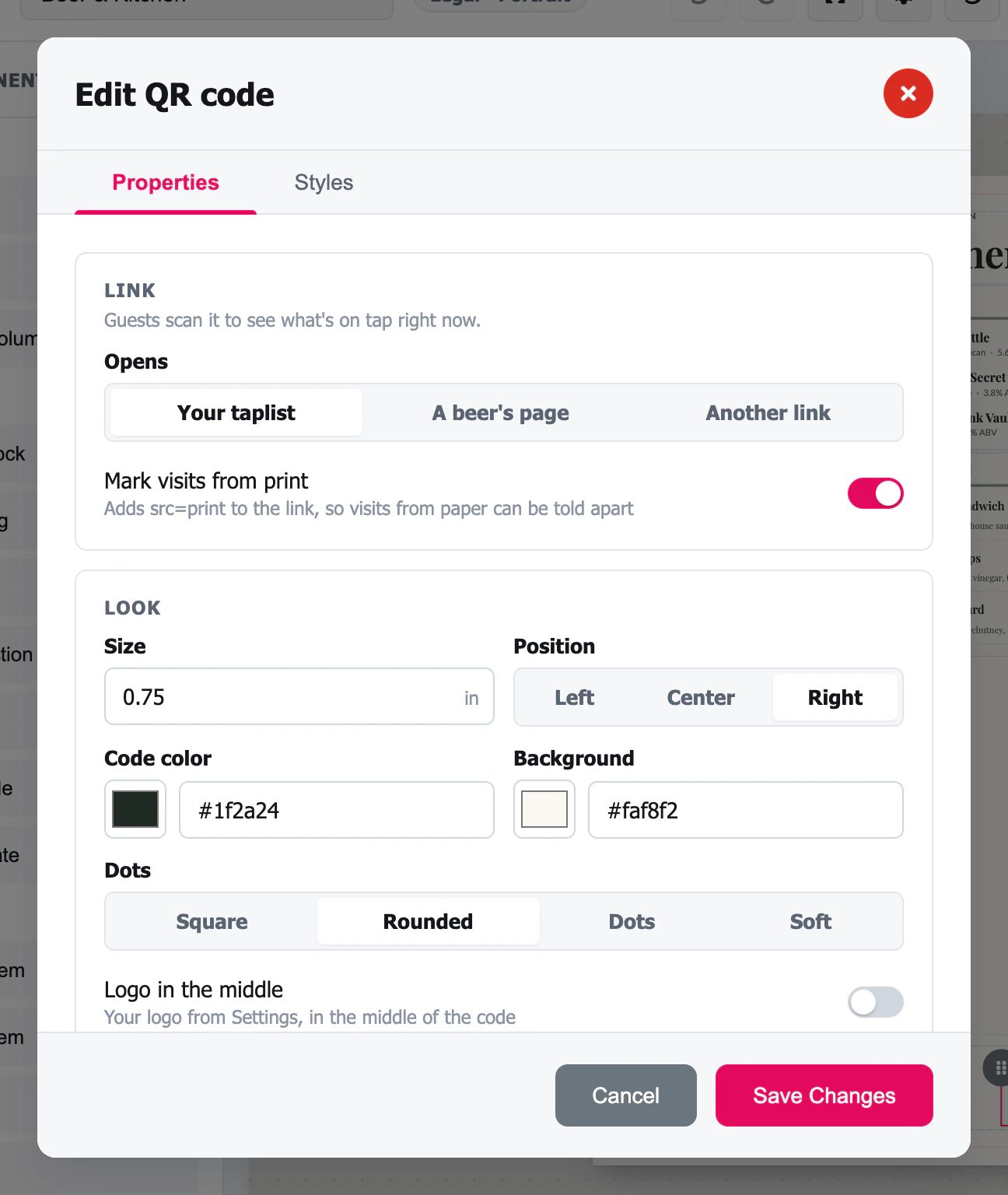
Choose what it opens, its look and a caption, then click Save Changes
The options are below. Click Save in the top bar to keep the change.
What the QR code opens
Under Opens:
- Your taplist, the default. Guests scan it and see what's on tap right now, even after the paper menu is out of date.
- A beer's page. Enter the tap number in Beer on tap, and the code opens the page of the beer on that tap when you print. If the tap is empty, there's no code until a beer is on it.
- Another link, such as your website or a food menu. Enter a full web address that starts with
https://orhttp://.
Mark visits from print adds src=print to your taplist or beer link, so visits from paper can be told apart. It's on by default, and the page opens the same either way.
The code uses your taplist address. If you change your subdomain, print your menus again. See Change your subdomain.
Style the QR code
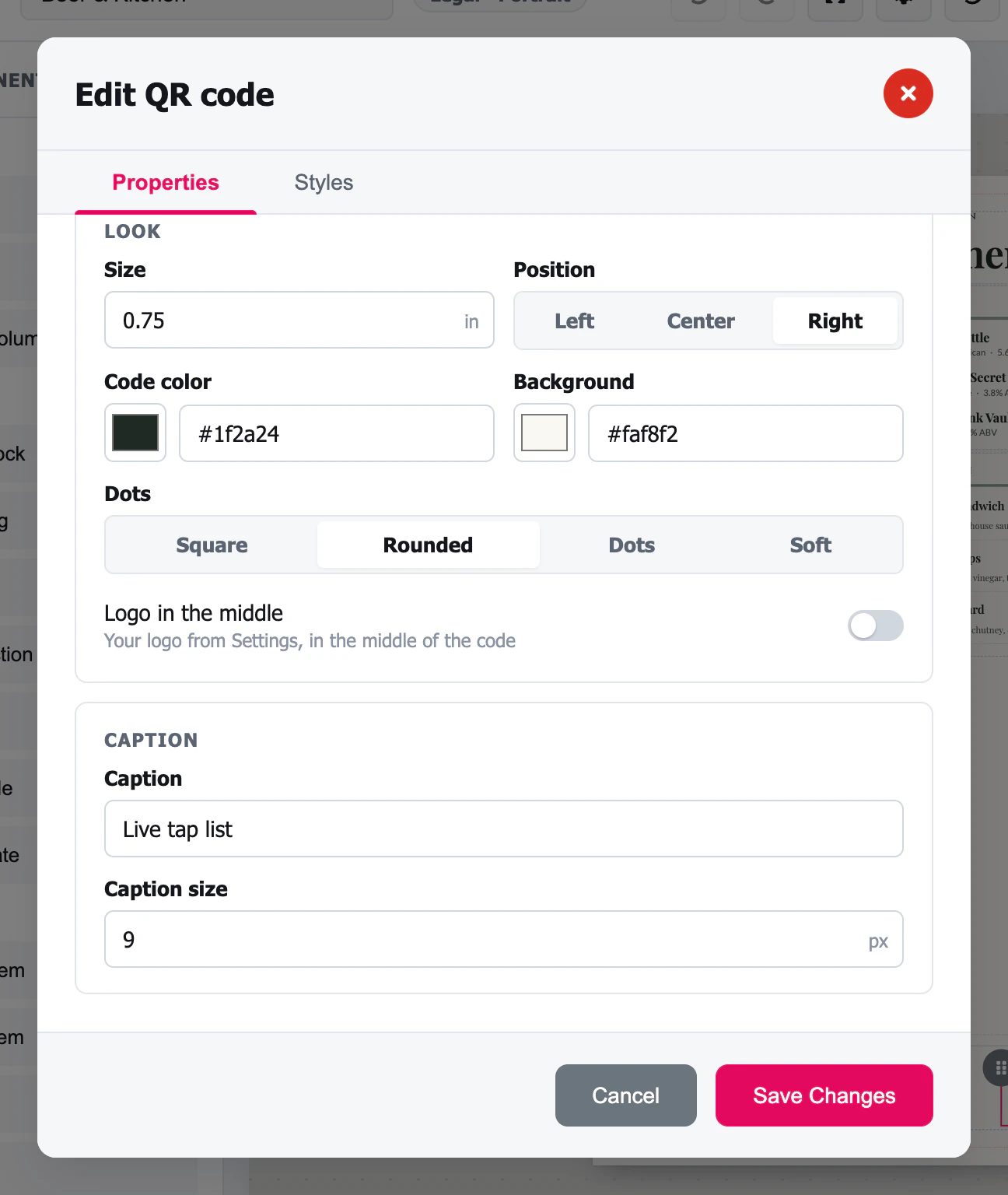
- Size in inches, from 0.5 to 4 in.
- Position: Left, Center or Right.
- Code color and Background. A dark code on a light background scans best.
- Dots: Square, Rounded, Dots or Soft.
- Logo in the middle puts your logo from Settings in the middle of the code. If the logo can't be loaded, the code prints without it.
- Caption prints a line under the code, such as "Scan for what's on tap", at the Caption size you choose.
Scan the code with your phone before you print a batch.
Print the date
The Print date shows the date the menu was printed, so guests know how fresh it is. In the editor it shows today's date.
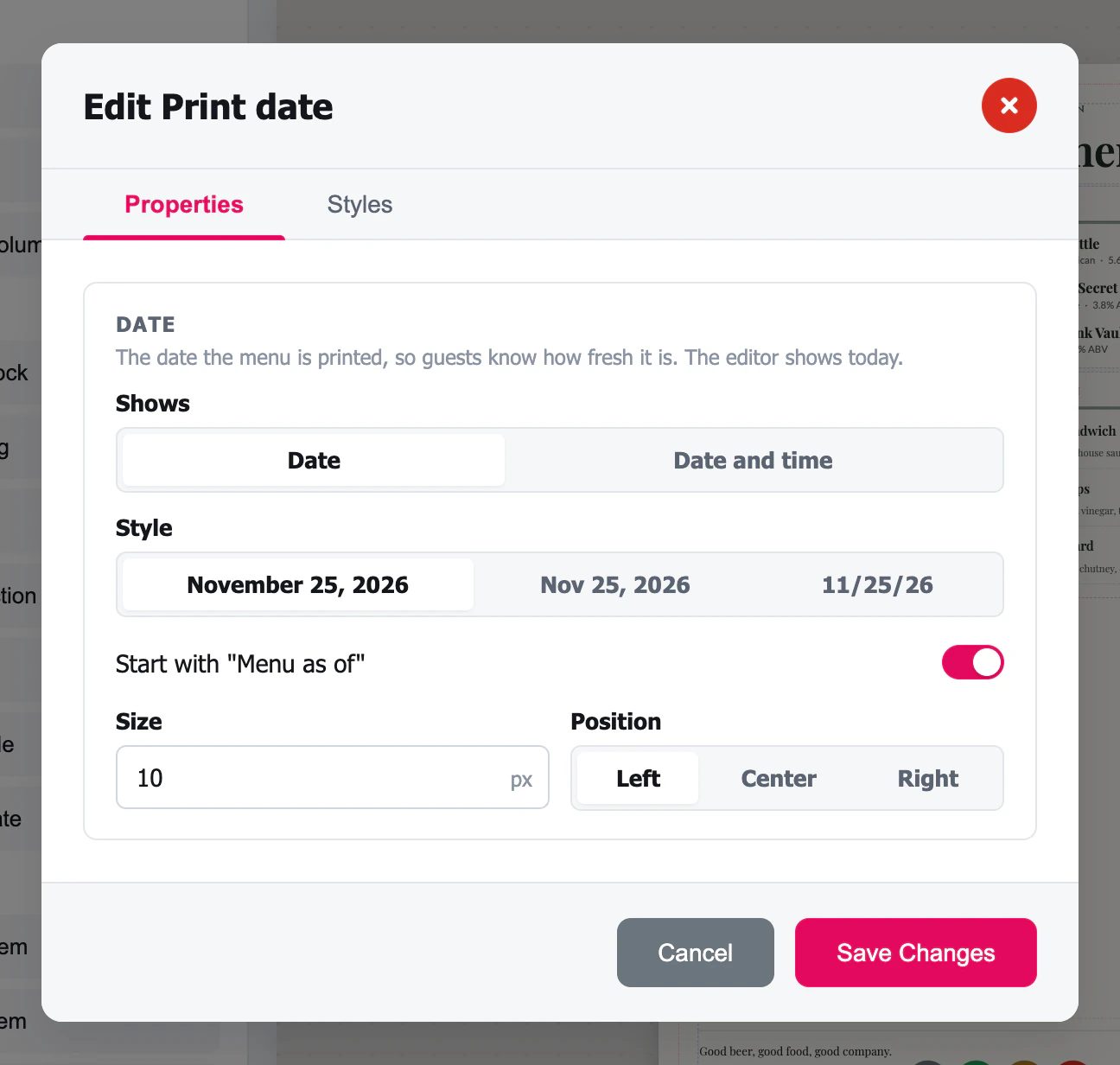
- Shows: Date, or Date and time.
- Style: a long date (November 25, 2026), a short one (Nov 25, 2026) or numbers (11/25/26).
- Start with "Menu as of" puts those words before the date.
- Size and Position.
The date is written in your taplist's language and, when you've set one, in your brewery's time zone from Settings. A PDF shows when the PDF was made.
Keep a footer at the bottom of the page
To keep the QR code and print date on the bottom margin, put a Spacer above them, edit it and turn on Fill the rest of the page (pushes what follows to the bottom). The spacer takes up the room left on the page.
Was this article helpful?