
Print a menu or download a PDF
Print a menu from your browser or download it as a PDF for a print shop. Both fill in the beers on tap at that moment, with your colors and backgrounds.
There are two ways to get a print menu onto paper: print it from your browser, or download a PDF and print that, or send it to a print shop. Both use the menu as last saved, filled in with the beers on your taps at that moment.
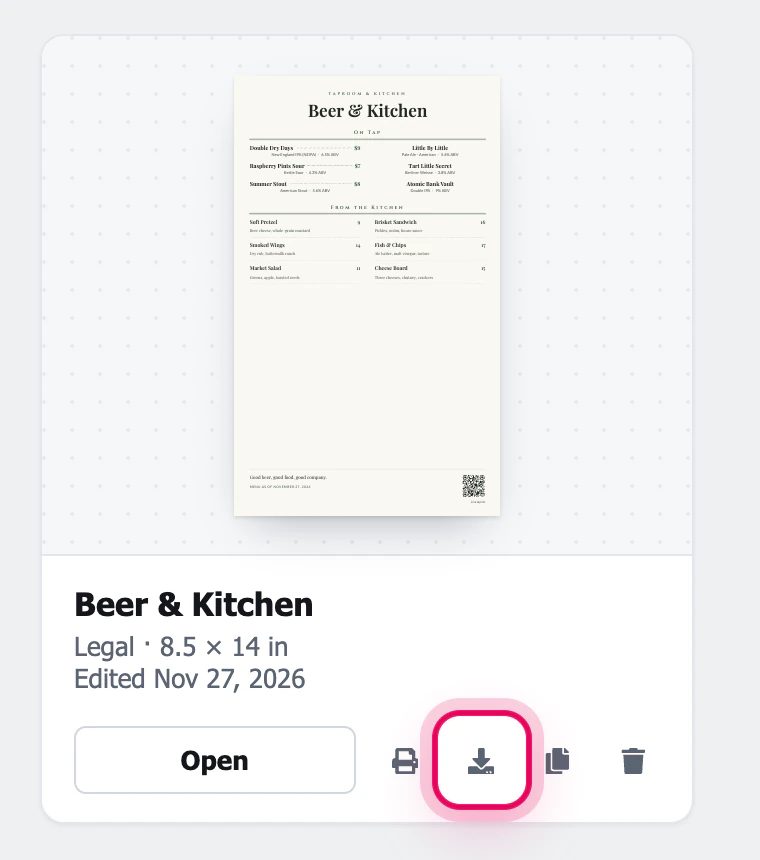
You can start either one from the menu's card on the Print Menus page, or with Print and Download PDF in the editor. In the editor, unsaved changes are saved first.
Print from your browser
Click Print
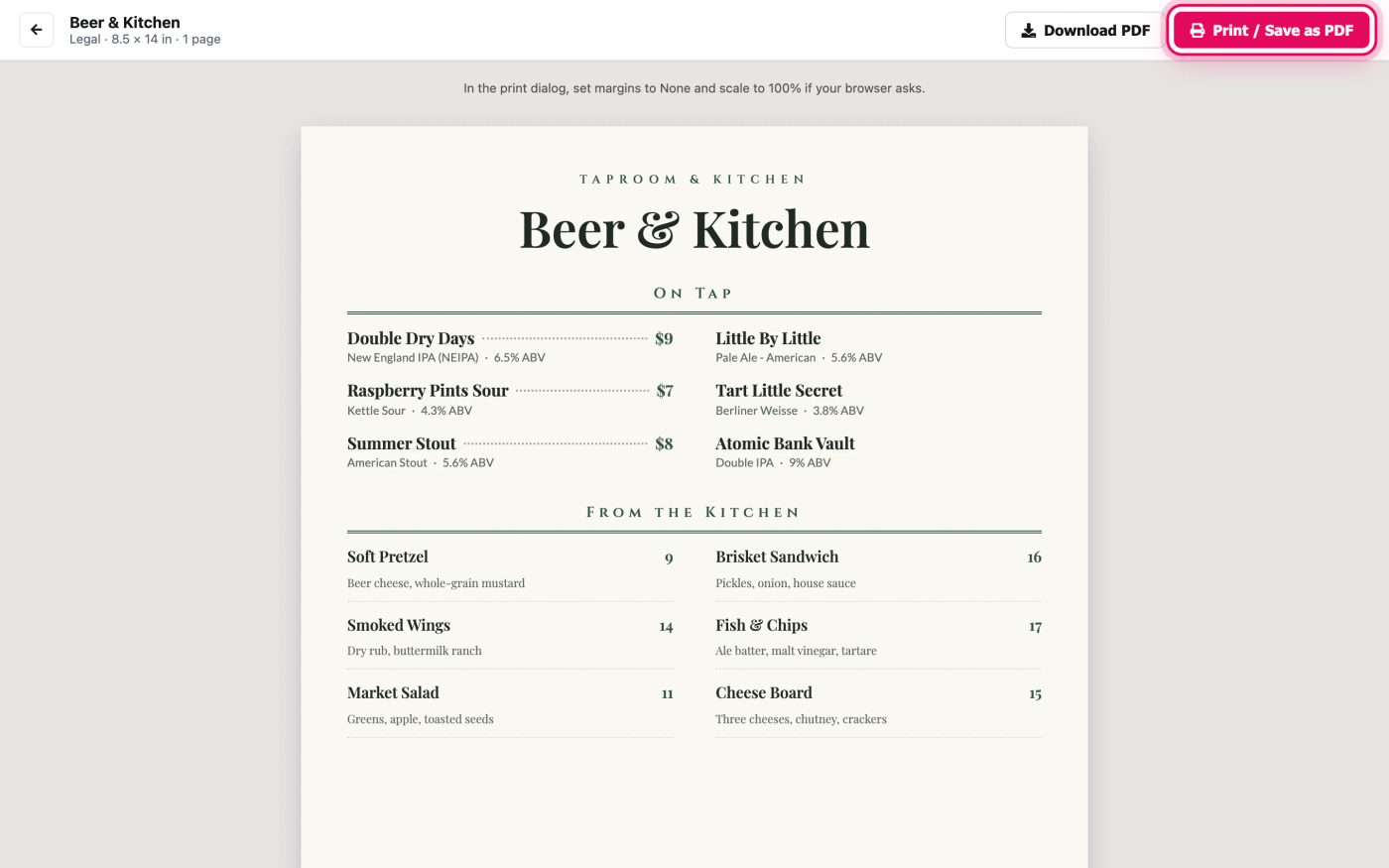
The print view opens, with the menu at its real size and the beers on tap now. The arrow at the top left takes you back.
Click Print / Save as PDF
Your browser's print dialog opens.
Check the settings, then print
Set the margins to None and the scale to 100% if your browser asks. Choose the same paper size as the menu. Then pick your printer, or your browser's option to save as a PDF.
If a page doesn't fit, the print view says which one, and asks before printing: Some of the menu won't print. Fix the page in the editor, or click Print anyway. See My print menu doesn't fit or prints cut off.
Colors and backgrounds
The print view asks your browser to print the menu's colors and backgrounds. If they still come out white, turn on your browser's background option in the print dialog:
- Chrome and Edge: Background graphics, under More settings.
- Safari: Print backgrounds, in the dialog's details.
- Firefox: Print backgrounds, under More settings.
A downloaded PDF always includes them.
Download a PDF
Click Download PDF
It's in the editor's top bar, in the print view, and on the menu's card.
Wait while it's made
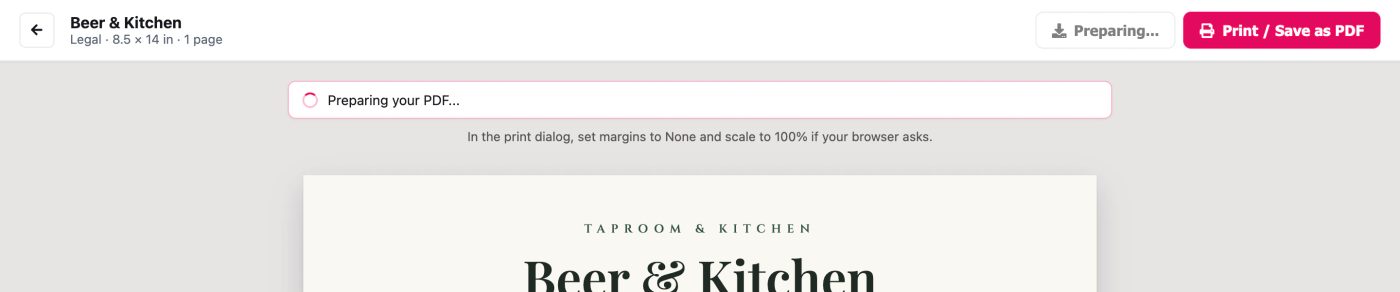
The button reads Preparing... and a message says Preparing your PDF..., then Drawing your pages.... Stay on the page until it downloads: leaving it stops the download.
Find it in your downloads
When it's ready, the message says Your PDF is downloading. The file is named after the menu and the date.
The PDF is made with the menu's own paper size, margins, colors and backgrounds, so it prints the same on any computer. It's the best way to send a menu to a print shop.
One PDF of a menu is made at a time. After you ask for one, there's a 10-second wait before you can ask for another PDF of the same menu, and a message counts the seconds down: One moment: you can make another PDF in ...
If the PDF fails or takes too long, see Download PDF failed or is taking a while.
A printed menu doesn't change
The beers on a menu are the ones on tap when you print it or download the PDF. When your taps change, print it again or download a new PDF. Add a QR code so guests can scan for what's on tap now.
Was this article helpful?